Use Familiar File Interfaces
With support for POSIX file access, training programs can read and write data using standard directory and file operations, simplifying the migration of existing workloads.

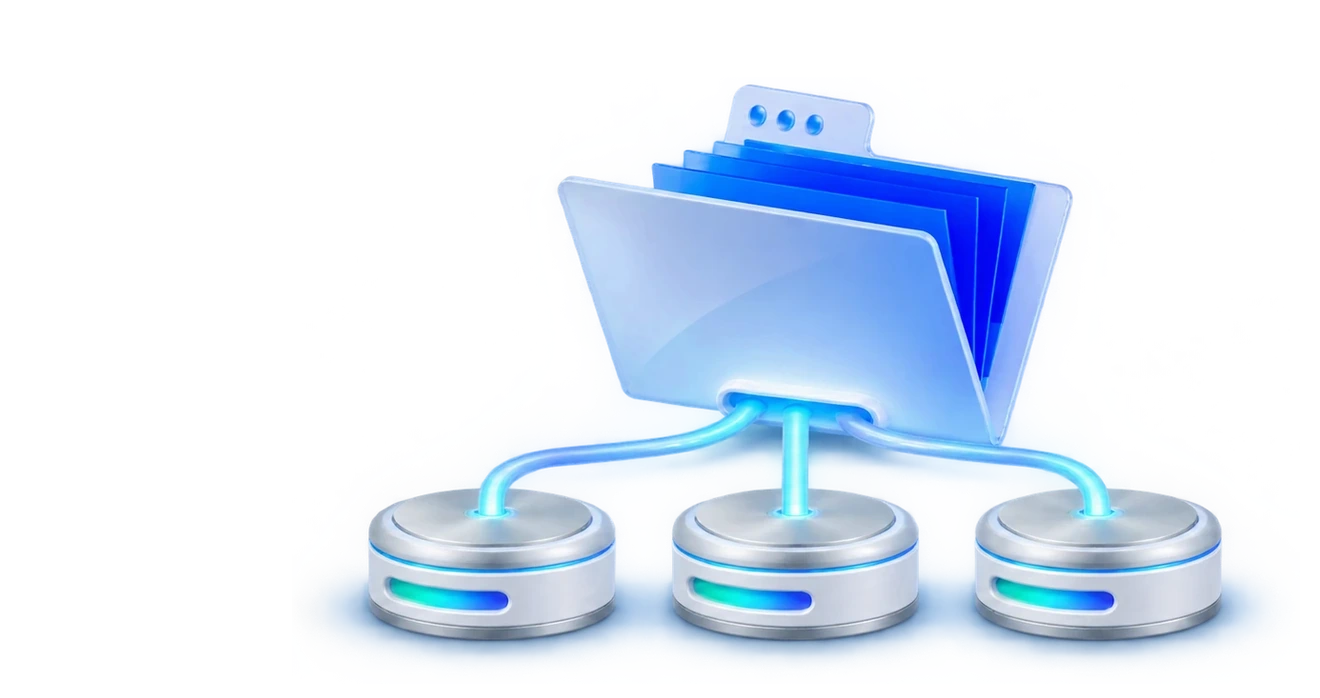
Parallel file access for GPU computing, supporting data reads, shared mounts and online expansion. The illustration shows a conceptual view of parallel file access.
AFS is a parallel file storage system optimized for GPU-based high-performance computing. Applications can read and write concurrently through a POSIX-compatible file interface, or connect a shared file system to containers through CSI. Published performance specifications include millions of IOPS, 100 GB/s-class throughput and sub-millisecond latency. Actual performance depends on the configuration, network and workload.
View AFS Product Documentation
With support for POSIX file access, training programs can read and write data using standard directory and file operations, simplifying the migration of existing workloads.
Works with GPU bare-metal servers, containers and cloud development workstations. SenseCore Container Service can connect to AFS through CSI, allowing compute tasks to share files.
Multiple tasks can access the same file system concurrently, making it suitable for repeatedly reading training samples, processing intermediate results, and reading and writing checkpoints.
The file system supports online expansion. Directory quotas help manage capacity for different teams or projects, while workload planning helps determine when to expand.
Plan data tiering and mounting configurations based on access frequency, file scale and compute location.

Supports concurrent reads of large volumes of training samples and small files, enabling multiple compute nodes to read data and write results in shared directories.

Import the data needed for the current training workload from AOSS into AFS for processing in the file system. Once training is complete, archive data that requires long-term retention in AOSS.

Pair with compute resources such as GPU bare metal instances and containers to provide shared read/write storage for simulation, data processing and rendering workloads.
 Plan file storage for AI workloadsDiscuss throughput, concurrency and mount options
Learn what to confirm before selecting and deploying a solution.