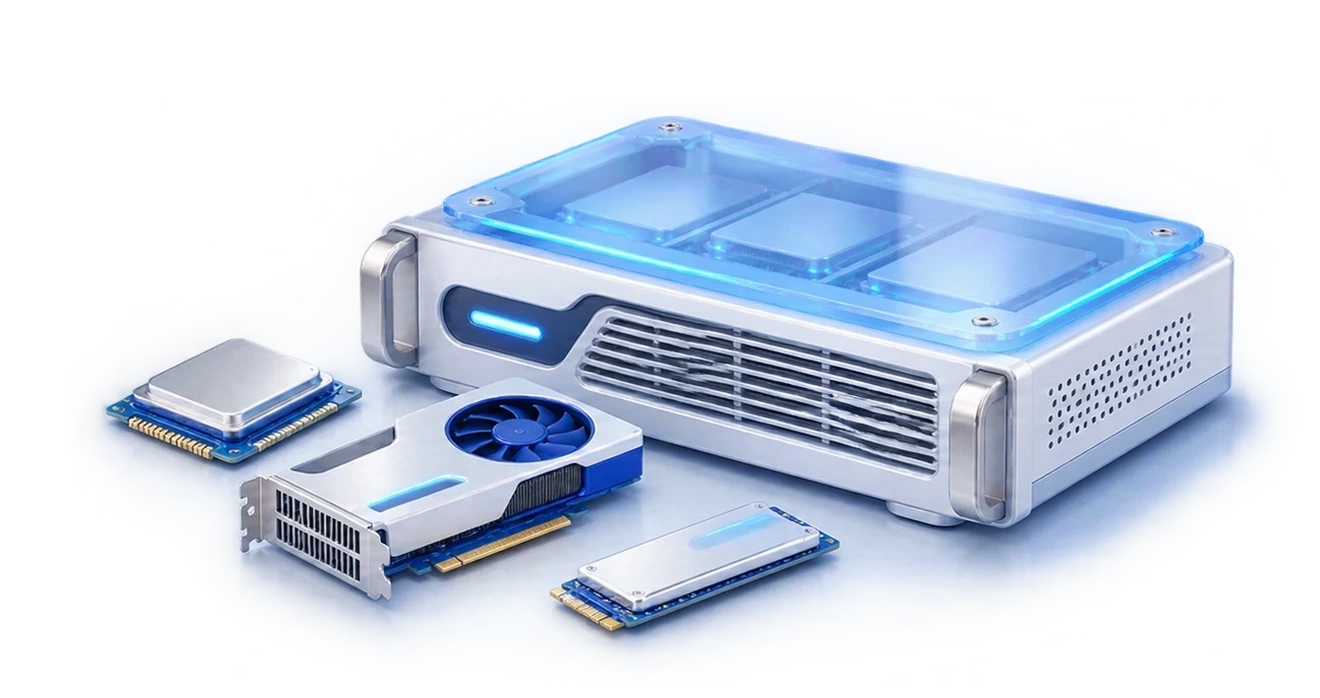
Manage the Full Instance Lifecycle
Create CPU or GPU instances, and view, modify or release them as business needs change. Available operations depend on your selected instance and billing model.

From instance creation and environment setup to scaling and monitoring, choose cloud server resources to suit your actual workloads. The illustration provides a conceptual view of instance resources.
ECS offers CPU and GPU cloud servers, with compute, storage and network resources configurable for different use cases. Use prebuilt AI images to set up development environments, or choose custom images to maintain consistent deployments. As your business grows, you can upgrade instance specifications, attach cloud disks or scale capacity.
View ECS Documentation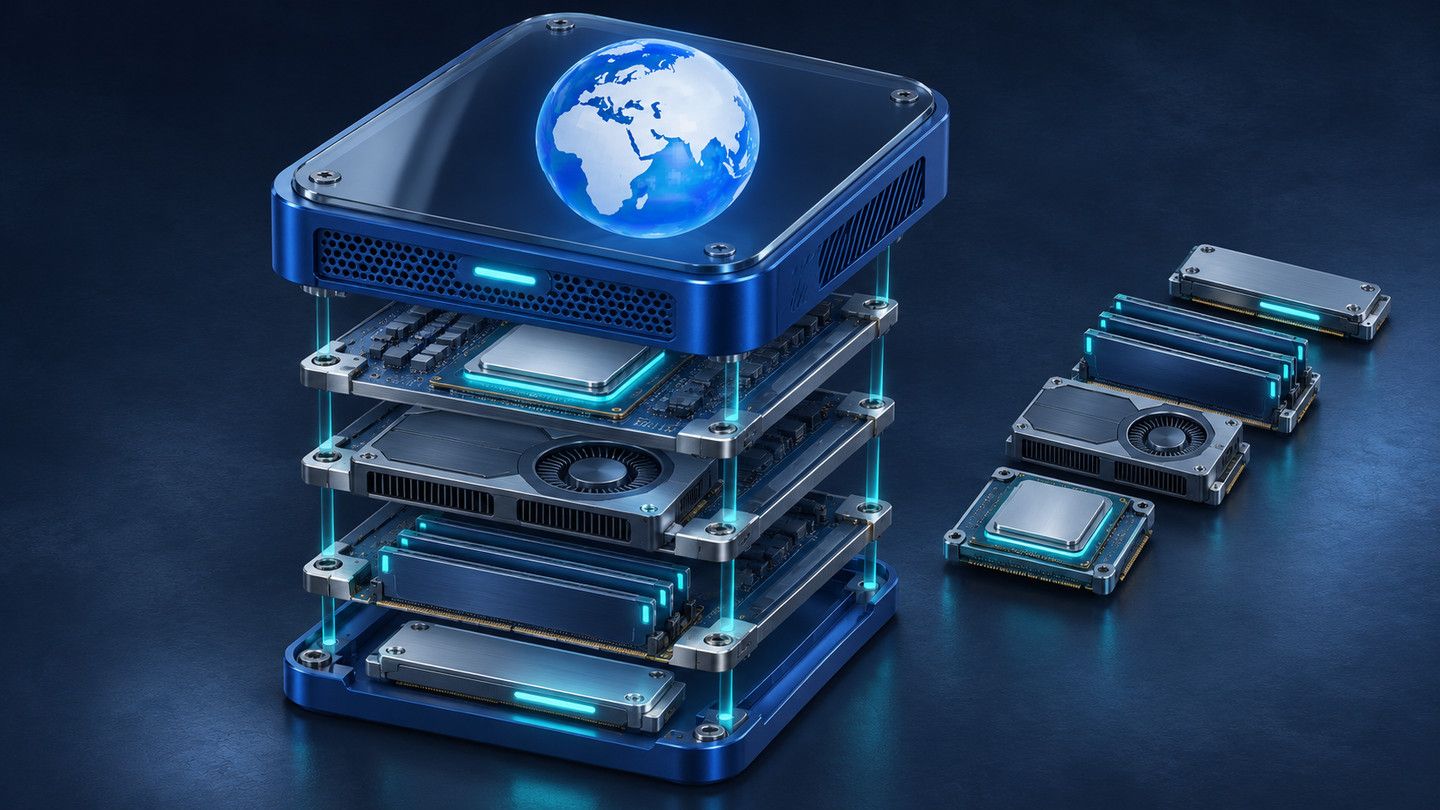
Create CPU or GPU instances, and view, modify or release them as business needs change. Available operations depend on your selected instance and billing model.
Images with preinstalled, commonly used AI components reduce environment setup time. You can also create custom images or import images in QCOW2 or RAW format.
Attach multiple SSD cloud disks while instances are running. Plan compute specifications and data disks independently, then expand capacity or attach new disks as your applications grow.
Identify resource bottlenecks using CPU, memory, network and disk monitoring metrics. For GPU instances, use the corresponding monitoring metrics to assess workloads and resource utilization.
Development, service deployment, model computation and rendering have different resource requirements. Choose instance configurations, images and storage independently to meet each workload's needs.

Launch development environments quickly with prebuilt AI images, and choose general-purpose, compute-optimized, memory-optimized or GPU instances to match the scale of your experiments.

Choose instances based on concurrency and caching requirements, deploy middleware in a private network, and use SSD cloud disks to store data or logs.

Use GPU compute instances for model training, batch inference, or online serving. Select resources based on the model's GPU memory and throughput requirements.

Use instances that support GPU virtualization for graphics rendering. Choose configurations based on your tools' graphics card, driver, and image requirements.
 Choose instances and cloud disks for your workloadsDiscuss GPU, image, and deployment environment requirements
Learn what to confirm before selecting and deploying your resources.